Size comparison
100 vs 120 Inch Projector Screen: The UST Decision That Changes the Whole Room
Twenty inches of diagonal sounds modest. In 16:9, 120 inches creates roughly 44% more image area than 100 inches.
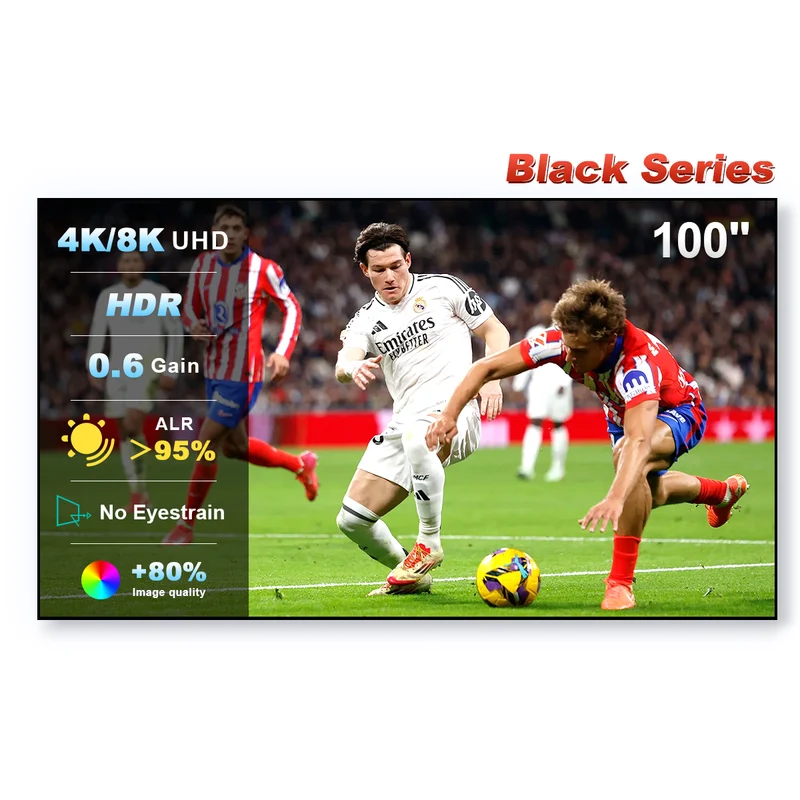
| 100" | 120" | |
|---|---|---|
| Black Series outer width | ~223.4 cm | ~267.6 cm |
| Black Series outer height | ~126.5 cm | ~151.4 cm |
| Relative image area | 1.00× | ~1.44× |
| Brightness demand | Lower | Higher |
| Immersion potential | Strong | Stronger, if seating and room support it |
Choose 100 inches when simplicity wins
100 inches is easier on projector brightness, wall width, cabinet depth and image height. It can also keep subtitles and sports graphics inside a more comfortable viewing field for closer seating.
Choose 120 inches when the room is genuinely ready
The larger image can feel dramatically more cinematic, but only if your projector can illuminate it well and the required UST placement does not push the cabinet uncomfortably far into the room.
The screen gain makes this decision more important
Because the Black Series is manufacturer-rated at 0.6 gain, a move to 120 inches deserves a brightness check rather than a purely aesthetic decision.
Check 100 & 120 inch Black Series options →
FAQ
How much larger is a 120-inch image than a 100-inch image?
For the same 16:9 aspect ratio, a 120-inch image has about 44% more screen area than a 100-inch image.
What are the Black Series frame widths?
The current manufacturer size table lists about 223.4 cm for 100 inches and 267.6 cm for 120 inches, including the frame.
Which size is brighter with the same projector?
All else equal, the 100-inch image will be brighter because the same projector output is spread over less area.
Keep researching
Research basis: NothingProjector size table checked 2026-09-15; relative area is calculated from 16:9 geometry.